
The Ultimate Guide To Salesforce Automotive Cloud
What Salesforce Automotive Cloud (now Agentforce Automotive) does for OEMs, dealer groups and captive finance teams: the vehicle data model, the features that matter, current pricing, how it works alongside your DMS, and a practical implementation plan.
Key Takeaways
- Salesforce Automotive Cloud is Salesforce's industry CRM for automotive OEMs, retailers and dealers, and captive finance companies. It is built on Sales Cloud and Service Cloud and adds a vehicle-centric data model and automotive workflows.
- Since the Spring '26 release Salesforce calls the product Agentforce Automotive. Most documentation, pricing and admin screens still say Automotive Cloud, so expect to see both names.
- The core of the product is the data model: Vehicle Definition (the model), Vehicle (the physical car) and Asset (what a customer owns), linked to households, dealers, loans, leases, warranties and claims.
- List pricing on salesforce.com runs from $300 to $725 per user per month, billed annually, across five editions. Connected Vehicle, Agentforce for Automotive and portal licences are priced as add-ons.
- Automotive Cloud does not replace a dealer management system. Salesforce documents bringing DMS, telematics and captive finance data in through Data 360 and MuleSoft, so plan it as the engagement layer that sits alongside your systems of record.
Selling and servicing a vehicle involves more parties than almost any other consumer purchase: the manufacturer, a dealer or dealer group, a captive finance company, often a fleet operator, and a driver who may not be the person who signed the loan. A generic CRM sees accounts and contacts. It does not see that a car has a model specification, a warranty, a lease, a service history and a household of drivers. Salesforce Automotive Cloud was built to model exactly that.
This guide is written for the people who have to decide whether Automotive Cloud fits and how to roll it out: sales, service and finance leaders, CRM owners and IT directors at growing and mid-market companies, regional dealer groups and enterprise OEMs alike. It explains what the product is, how its data model works, what it costs, and the implementation choices that decide whether it pays back.
What Is Salesforce Automotive Cloud?
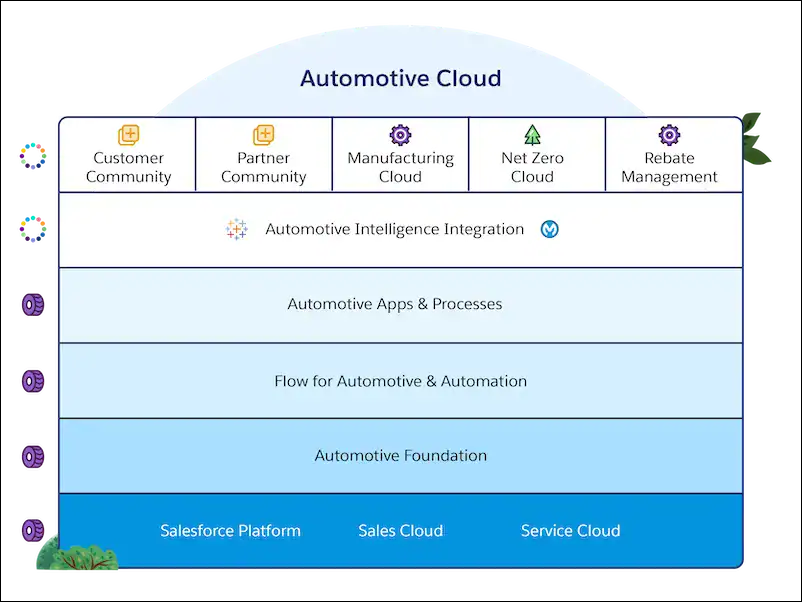
Salesforce Automotive Cloud is an industry cloud that gives automotive manufacturers, dealers and captive finance companies one connected view of vehicles, customers and financial relationships. It runs on Sales Cloud and Service Cloud and adds automotive objects, consoles, scheduling, warranty, finance and partner portal features, now marketed as Agentforce Automotive.
Salesforce describes the product as a way to maximise the lifetime value of vehicles while giving OEMs and dealers an aggregated view of vehicles, customers and financial relationships. Its data model and workflows are based on industry practice, so a team starts from objects such as Vehicle, Fleet, Financial Account and Claim instead of designing them from scratch. It is available in Enterprise, Unlimited and Developer Editions.
The name changed in 2026. The Spring '26 release notes state that Automotive Cloud is now Agentforce Automotive, and that references to Automotive Cloud will remain in the application and documentation. Nothing about the underlying product was replaced: it is the same data model and the same licences, with AI agents now part of the positioning.
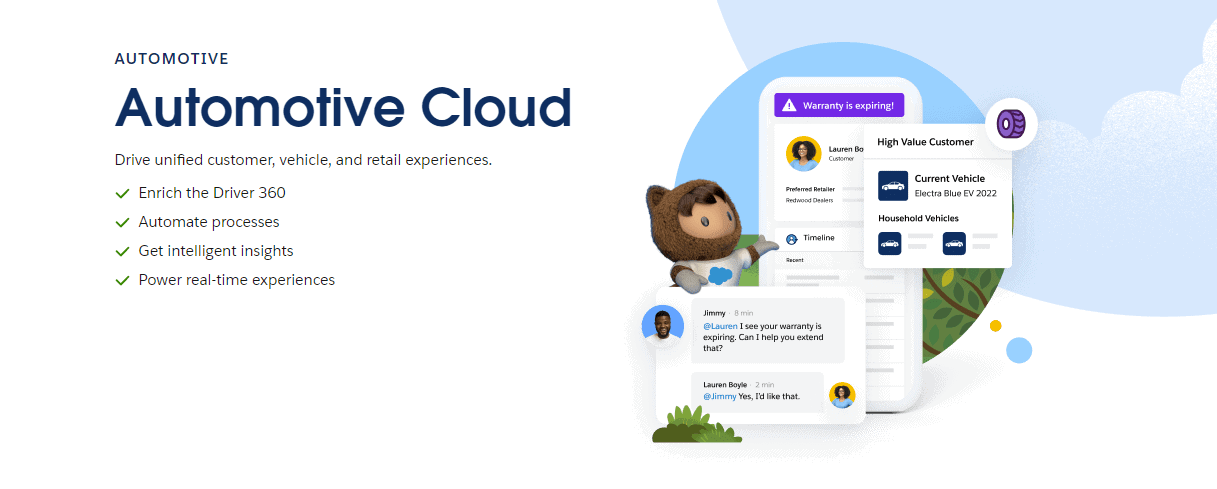
Who Is Automotive Cloud For, And When Does It Fit?
Salesforce builds Automotive Cloud for automotive OEMs, retailers and dealers, and captive finance organisations, with documented use cases for fleets, trucks and dealer groups. It fits when several parties share the same vehicles and customers. A single-rooftop dealer whose needs end at the DMS usually gets less from it.
Automotive Cloud fits if you need one view of a vehicle and its owners across sales, service and finance; you work with a dealer network or several rooftops; you run loans, leases, warranty claims or rebate programs; or you want to act on connected-vehicle data. OEMs, dealer groups, captive lenders and fleet operators are the core audience.
It is probably more than you need if you are a single store whose DMS already covers deals, parts and repair orders, and your CRM need is lead follow-up. Sales Cloud with a DMS connector may be enough. Revisit Automotive Cloud when households, fleets, finance or multi-site reporting become the problem.
OEMs and distributors
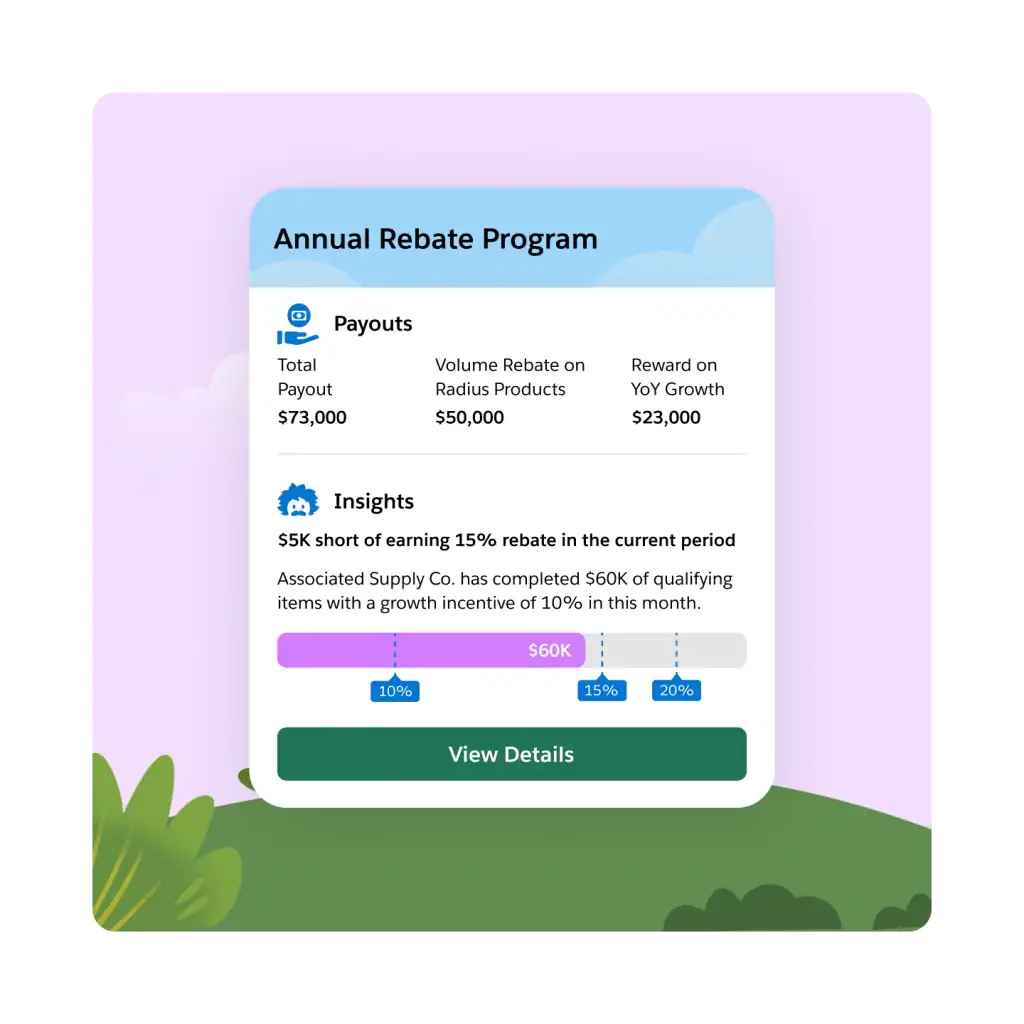
Dealer performance, sales agreements and forecasts, warranty claims from dealers, supplier recovery, recalls and rebate programs across the network.
Dealers and dealer groups
Lead and opportunity management with vehicle interest, inventory search across locations, test-drive and service scheduling, and a shared customer view across rooftops.
Captive finance
Loans and leases as Financial Accounts, payment deferrals, payoff statements, lease extensions, collections and, since Winter '27, repossession management.
Fleets and mobility
Fleets of vehicles or assets with several participants, managed with action plans and record alerts, plus connected-vehicle events for proactive service.
Automotive Cloud Vs Sales Cloud Vs A Dealer Management System
Sales Cloud manages generic accounts and opportunities. Automotive Cloud adds the vehicle, its definition, ownership, households, finance accounts, warranties and dealer collaboration on top of Sales Cloud and Service Cloud. A DMS remains the transactional system for deals, parts, repair orders and accounting. Most automotive teams run Automotive Cloud alongside the DMS, not instead of it.
| Question | Sales Cloud on its own | Automotive Cloud | Dealer management system |
|---|---|---|---|
| Main job | Pipeline, accounts, forecasting | Customer, vehicle and partner engagement across sales, service and finance | Deal structuring, F&I, parts, repair orders, accounting |
| Vehicle model | Custom objects you design | Standard Vehicle, Vehicle Definition, Asset, Fleet and title objects | Stock and VIN records per store |
| Relationships | Accounts and contacts | Households, account-to-account and contact-to-contact relationships, asset participants | Buyer and co-buyer on a deal |
| Finance | Not modelled | Loans and leases as Financial Accounts, with balances, fees, statements and transactions | Deal and F&I records |
| Network view | Built to spec | Partner portal for dealers, dealer performance dashboards, visits, rebates | Usually one store or group |
| Typical role | Starting point for simple lead follow-up | Engagement layer across OEM, dealer and finance | System of record for transactions |
Salesforce's own documentation points the same way: its Data Cloud setup guide for Automotive Cloud names dealer management systems, telematics providers and captive finance systems as sources to bring in. The practical question is not "Automotive Cloud or DMS" but which system owns which record, and how often they sync.
How Does The Automotive Cloud Data Model Work?
The data model separates the model from the car. A Vehicle Definition holds a typical model's specifications, a Vehicle holds one physical vehicle, and each vehicle sold to a customer is an Asset. Around them sit stakeholder, ownership, finance, warranty and fleet objects, so every party connected to a vehicle is a real, reportable relationship.
Getting these layers right is the single biggest design decision in an implementation. The Automotive Cloud object reference lists the standard objects; the ones most projects touch first are below.
Vehicle Definition, Vehicle, Asset
VehicleDefinition extends product information with model details such as dimensions and battery, fuel and transmission specifications. Vehicle is the individual car with its VIN. When it is sold it becomes an Asset; installed and spare parts and accessories are assets too.
Households, Dealers, Relationships, Participants
PartyRelationshipGroup models a household or affiliated group, AccountAccountRelation and ContactContactRelation link dealers, banks, fleets and people, and AssetAccountParticipant and AssetContactParticipant record who owns, drives or services a vehicle. Person accounts represent individuals and business accounts represent dealerships and lenders.
Milestones, Titles, Financial Accounts, Warranties, Claims, Fleets
AssetMilestone records events such as manufacture, registration and resale, AssetTitle captures legal ownership, FinancialAccount holds a loan or lease, AssetWarranty and Claim run warranty, and Fleet groups vehicles with their participants. Winter '27 added AssetLocation and a set of repossession objects.
Two details save rework later. First, decide early which system creates the Vehicle Definition and Vehicle records, because Summer '26 added Data Processing Engine templates that load Product, Asset and Vehicle together from a CSV file, which makes a clean bulk load far easier. Second, vehicle specifications can vary by country, so Geo Country is linked to vehicle definitions and asset titles to the state of registration.
What Are The Key Features Of Salesforce Automotive Cloud?
The features teams use most are the Vehicle and Asset consoles, relationship graphs, lead management with vehicle interest, inventory search, test-drive and service scheduling, the Service Console for Automotive, warranty and claims, finance account servicing, analytics, and Agentforce agents. Most are configured, not coded, using Flow, OmniStudio and the Business Rules Engine.
Relationship graphs
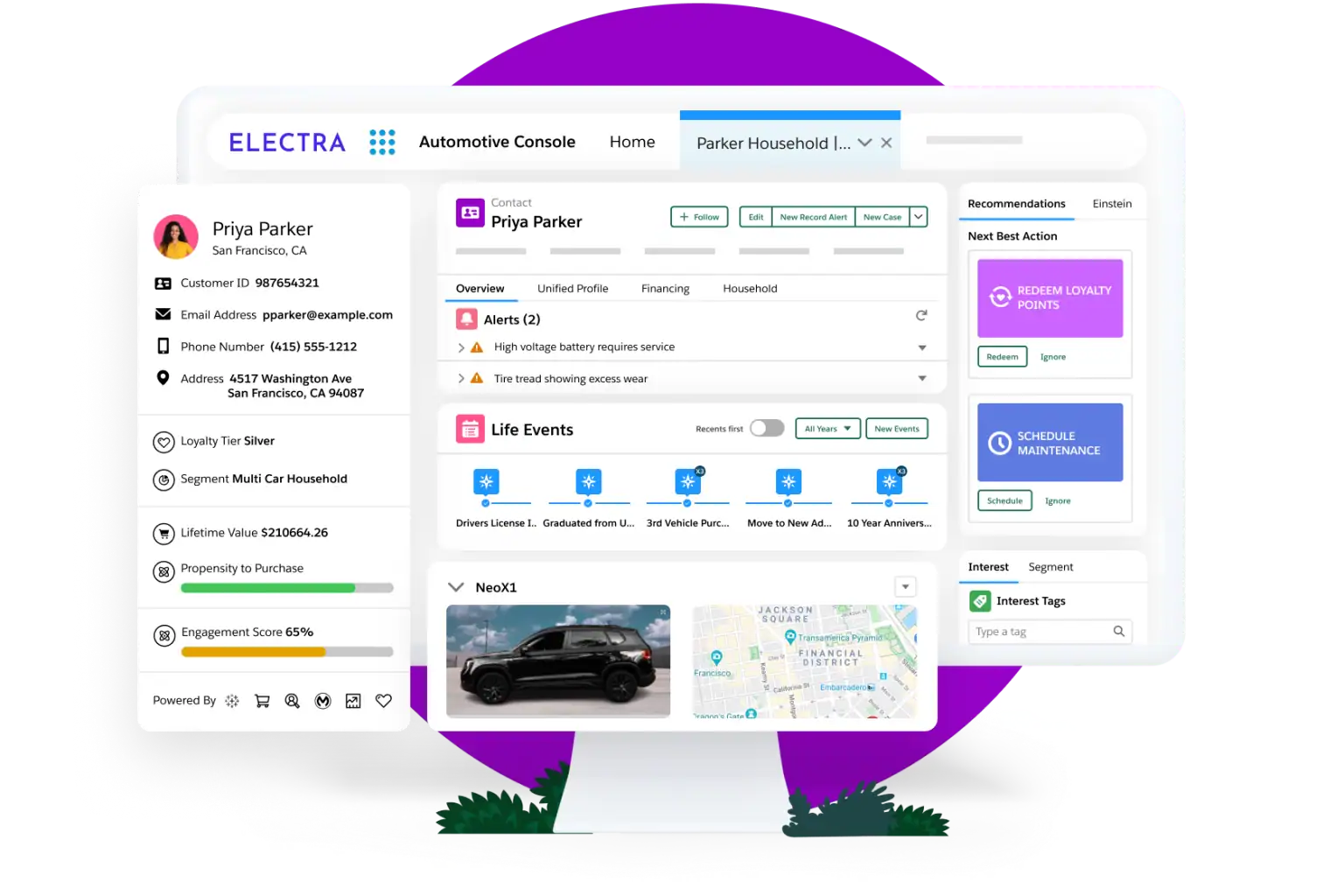
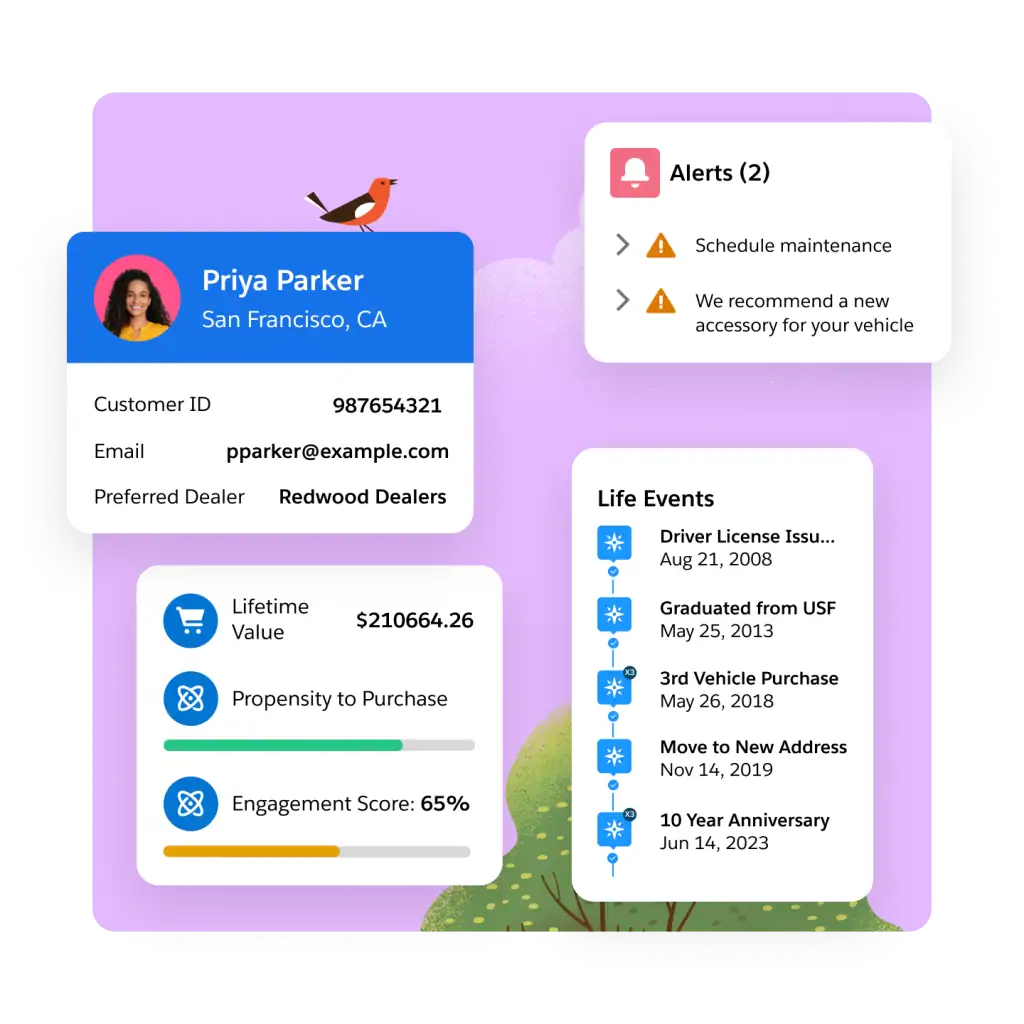
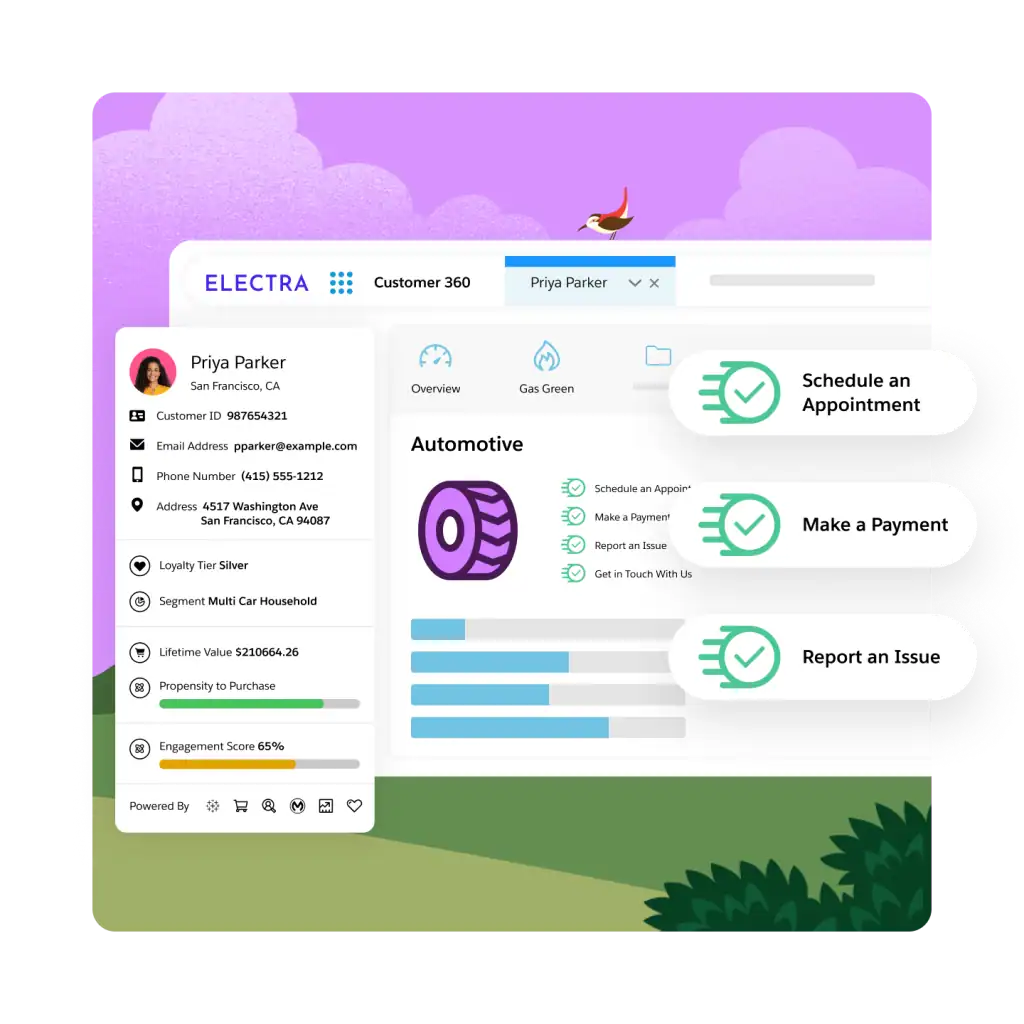
The Actionable Relationship Center shows households, visits and vehicles connected to an account, with Relationship Cards, Interest Tags, Timeline and Record Alerts on the page.
Leads with vehicle interest
Lead Line Items capture the vehicles, parts or accessories a lead wants, and Lead Preferred Seller records the dealer. Both carry over to the opportunity on conversion.
Inventory search
Vehicle inventory search across locations, vehicle definition and dealer search, vehicle transfers and aging inventory tracking.
Test drives and service booking
Automotive Scheduler books test drives and service appointments, matches technicians by skill, and lets customers self-book through a portal, website or app.
Service Console for Automotive
Identity Verification, Timeline, Record Alerts, Action Launcher and Audit Trail help agents handle test drives, roadside assistance and service requests.
Automation toolset
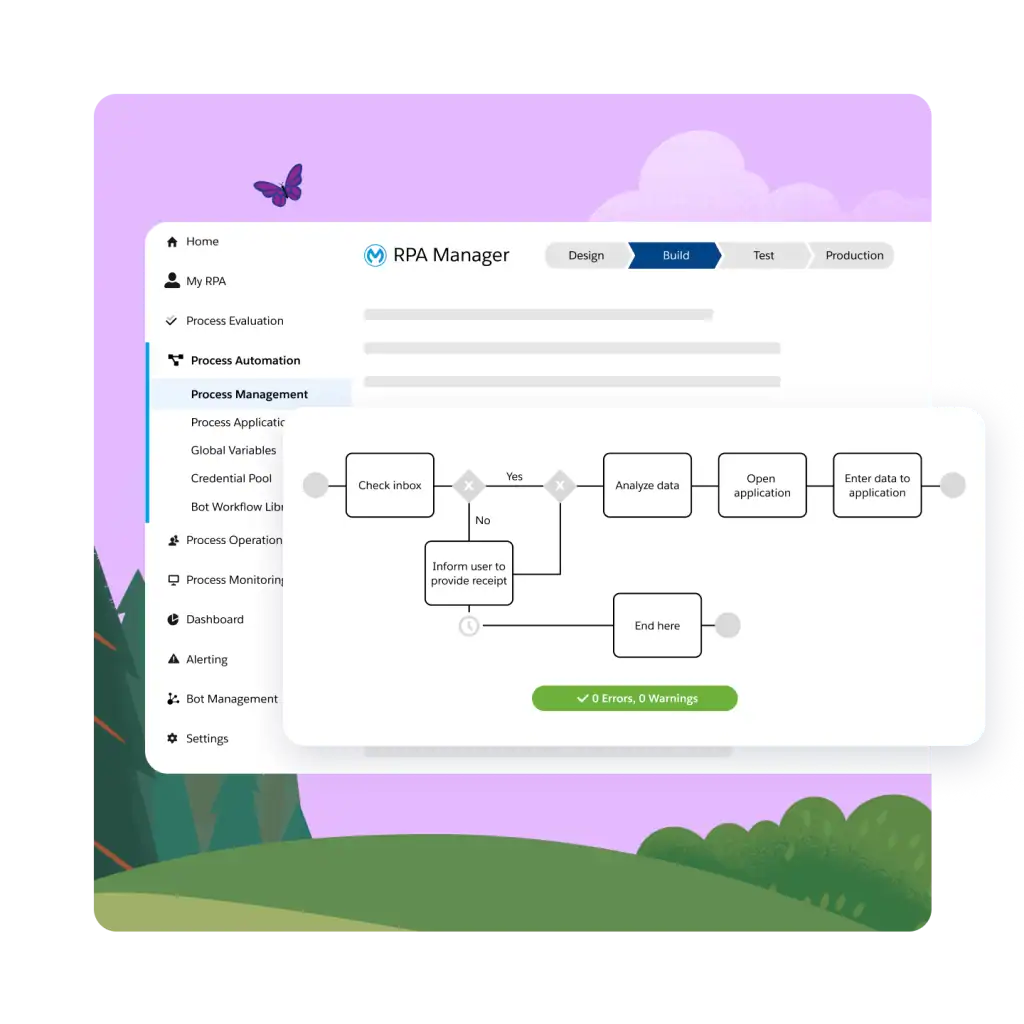
Flow for Automotive Cloud: Flow Builder, Data Processing Engine, OmniStudio, Business Rules Engine, Decision Tables, Document Generation and Intelligent Form Reader.
Product illustrations: Salesforce.
How Does Automotive Cloud Handle Warranty And Claims?
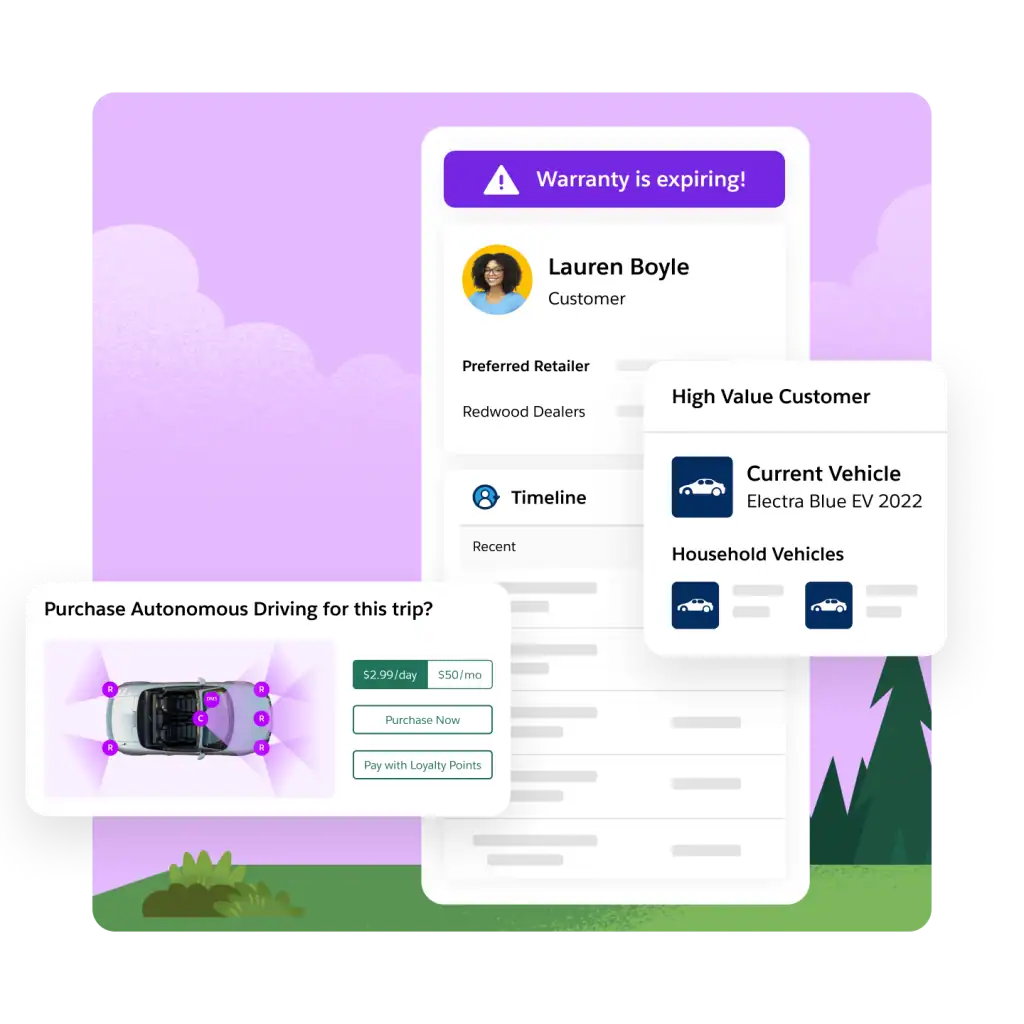
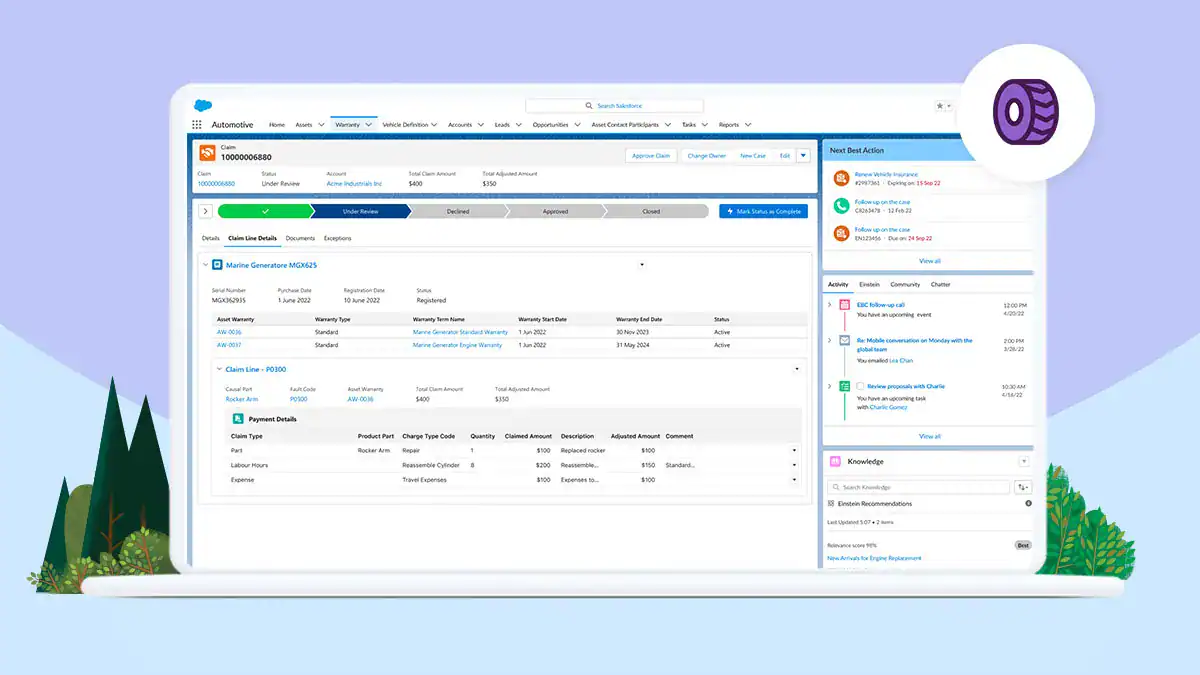
Warranty Lifecycle Management in Automotive Cloud covers fault codes, labour codes and warranty terms, lets dealers submit claims through a partner portal, adjudicates claims manually or automatically, and finishes with supplier recovery. Claims come in two record types: Pre Warranty Authorization before a repair, and Warranty Claim for reimbursement afterwards.
For OEMs this is often the clearest return on the platform, because claim volume is high and the rules are well defined. According to Salesforce's warranty and claims documentation, the lifecycle runs like this:
What Can Agentforce And Analytics Do In Automotive Cloud?
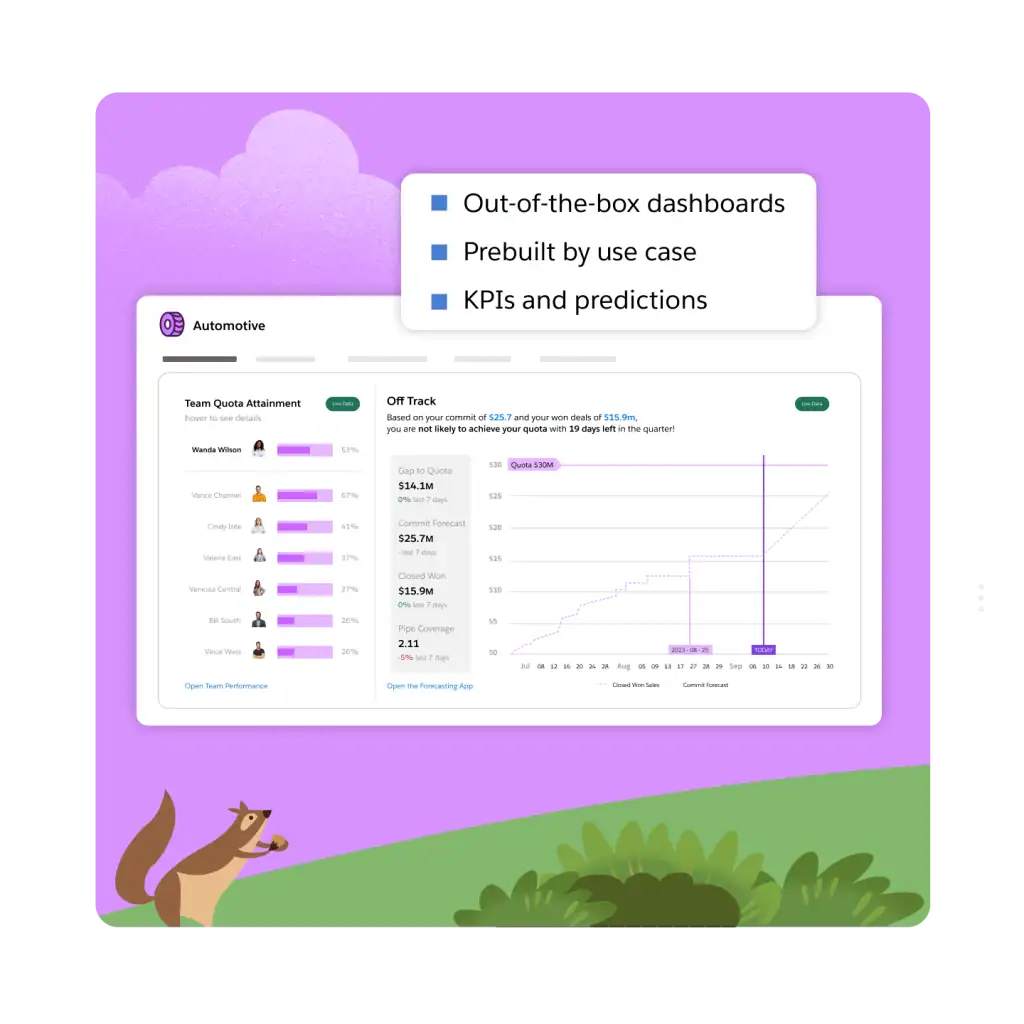
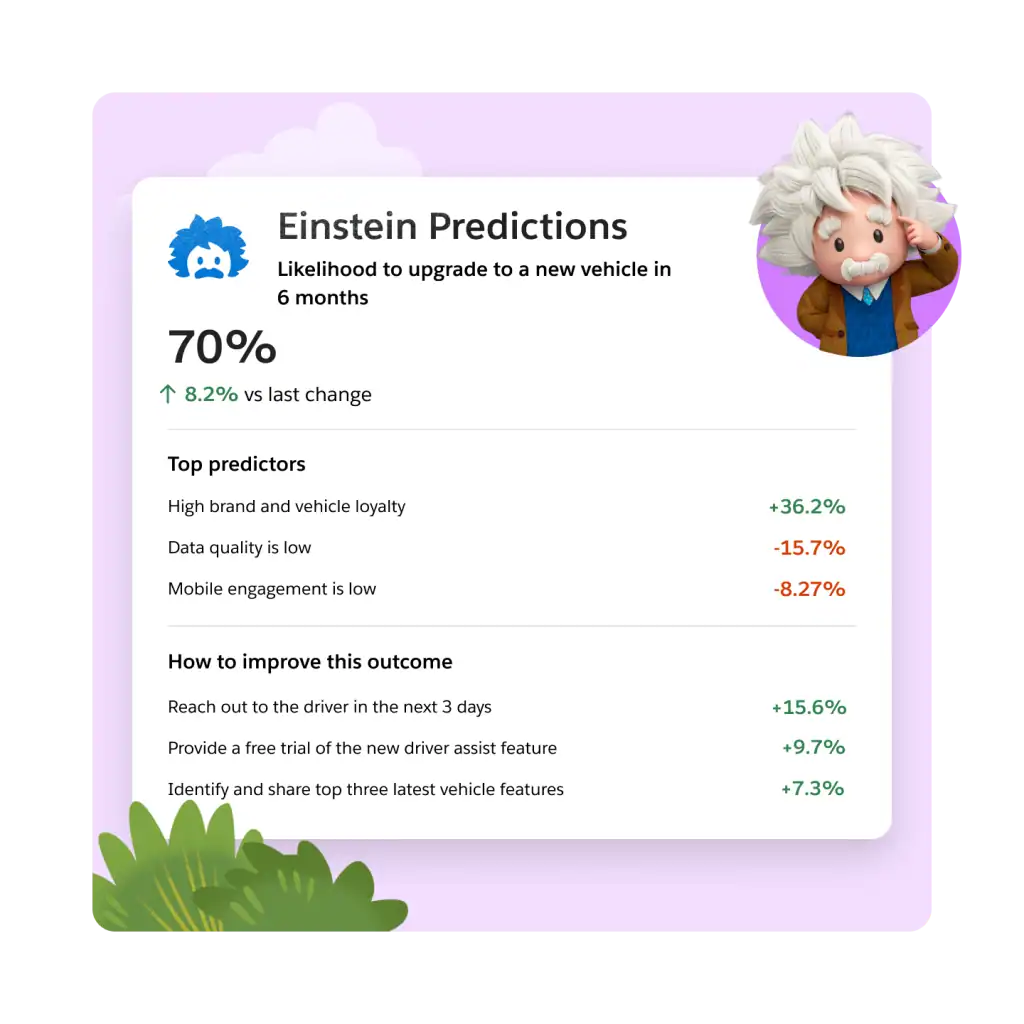
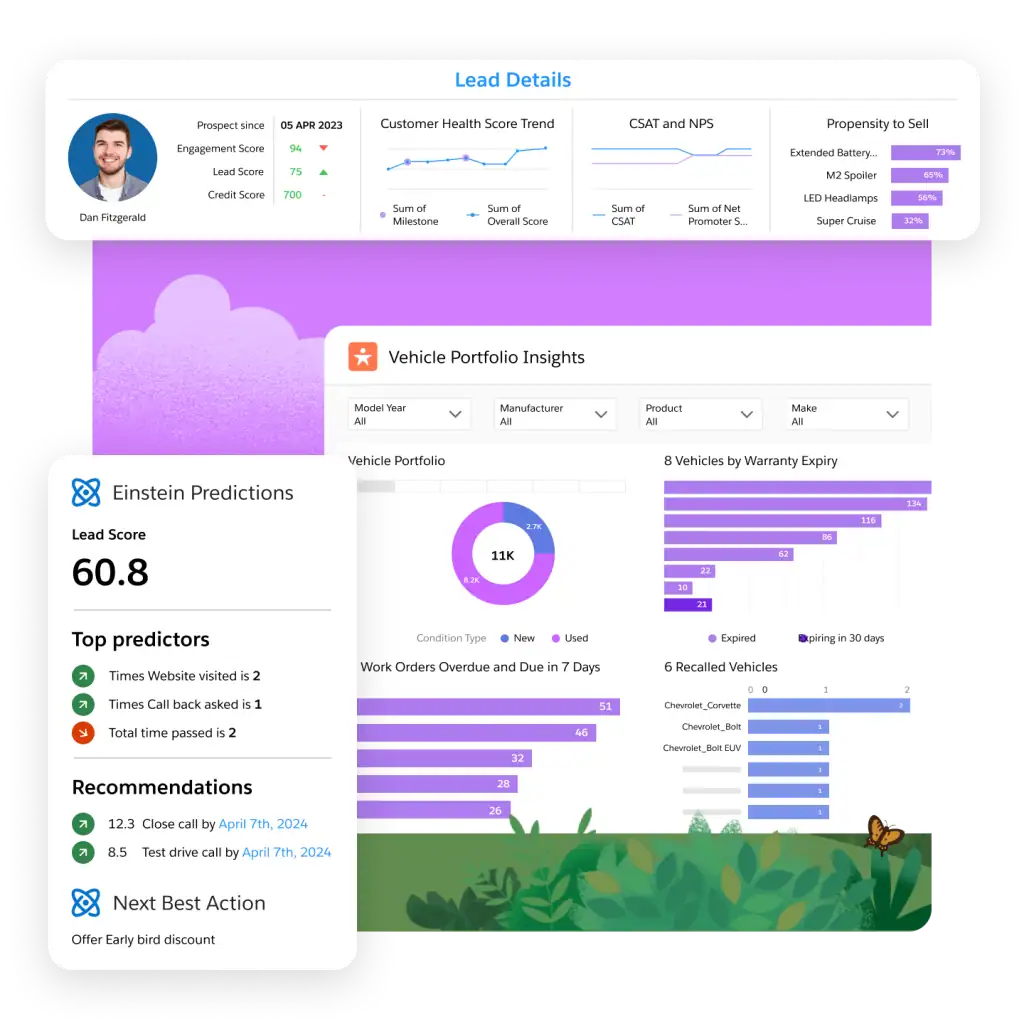
Agentforce for Automotive adds prebuilt agent templates for sales concierge, warranty claims, asset finance, asset service, collections, inventory and sales planning, using standard actions such as scheduling appointments and checking warranties. Analytics adds dealer, OEM, lead, vehicle portfolio and claims dashboards through CRM Analytics or the Tableau Next app, Automotive Insights.
Agents are licensed separately: Salesforce's agent template documentation requires the Agentforce for Automotive add-on for each user, or the Agentforce 1 Automotive Edition. The templates are a starting point that you extend in Agentforce Builder.
| Agent template | What it handles | Example standard actions |
|---|---|---|
| Automotive Sales Concierge | Vehicle search, recommendations and quotes for shoppers, also on the website and partner sites | Search Vehicle Definitions, Get Dealers for Search Criteria |
| Asset Service Management | Service estimation and work orders | Create Service Quote, Create Service Work Order, Schedule Automotive Appointment |
| Warranty Claims Assistance | Warranty look-ups and claims | Get Asset Warranties, Check Asset For Warranty |
| Asset Finance Management | Payment deferrals, due-date changes, payoff statements | Create Payment Deferral Case |
| Collections and Recovery | Collections conversations and plans | Collection plan actions |
| Inventory Management and Sales Planning | Inventory questions and sales targets | Get Vehicles for a Customer, Create Vehicle Appraisal |
On the analytics side, the Analytics for Automotive dashboards cover Dealer Performance, OEM Performance, OEM Sales, Leads Intelligence, Vehicle Portfolio Insights and Claims Analysis. The Dealer Performance dashboard answers questions such as revenue per employee, lead-to-opportunity conversion, average age of inventory and which vehicles need restocking. Einstein generative AI can also summarise Vehicle and Asset records for a user before a call.
Product illustrations: Salesforce. Salesforce notes that some AI capabilities it markets may not be available yet in every org; confirm availability for your edition.
How Do Connected Vehicles And Data 360 Fit In?
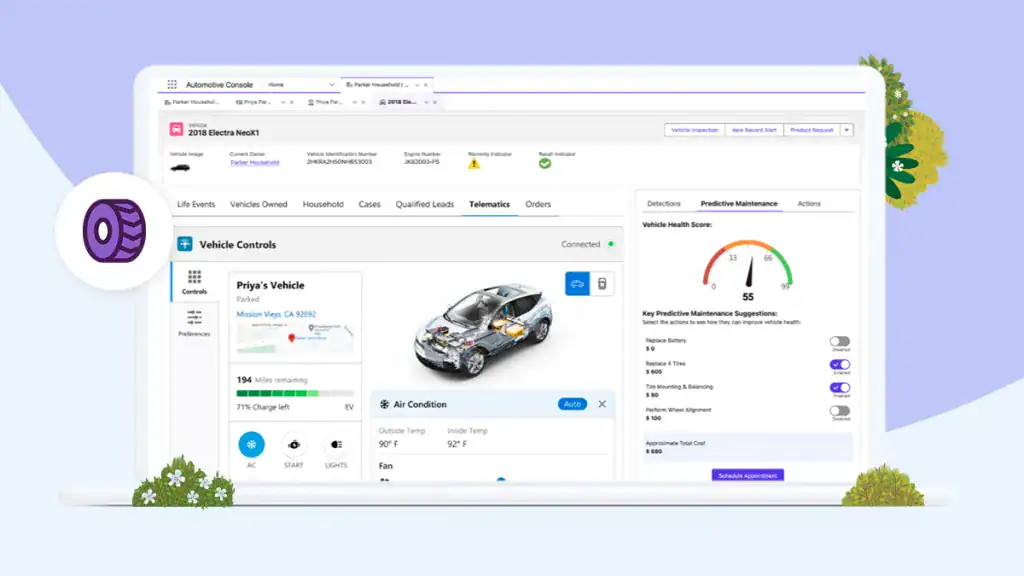
Connected vehicle data reaches Automotive Cloud in two ways. Data 360 (formerly Data Cloud) unifies vehicle, asset and customer data, using an Automotive data kit with prebuilt data streams and insights. Actionable Event Orchestration turns critical telematics events, such as a brake or engine fault, into alerts, cases, milestones and work orders automatically.
The event orchestration workflow has predefined configurations for Qualcomm Car-to-Cloud, supports other telematics providers, and names MuleSoft as the suggested integration layer. A provider has to send at least the VIN, event type, event fault code and an asset identifier. Licensing is usage-based: only vehicles flagged as Connected Services Active count, and the standard entitlement allows up to 300 orchestrations a month.
When Salesforce launched the Connected Vehicle app in August 2024, it covered vehicle status monitoring, remote vehicle actions, an actionable telematics framework and vehicle data visualisation. For a dealer or OEM the value is timing: a fault becomes a service appointment before it becomes a breakdown, and consent for using telematics data is tracked with Disclosures and Consent Management.
How Do OEMs, Dealers And Customers Collaborate In Automotive Cloud?
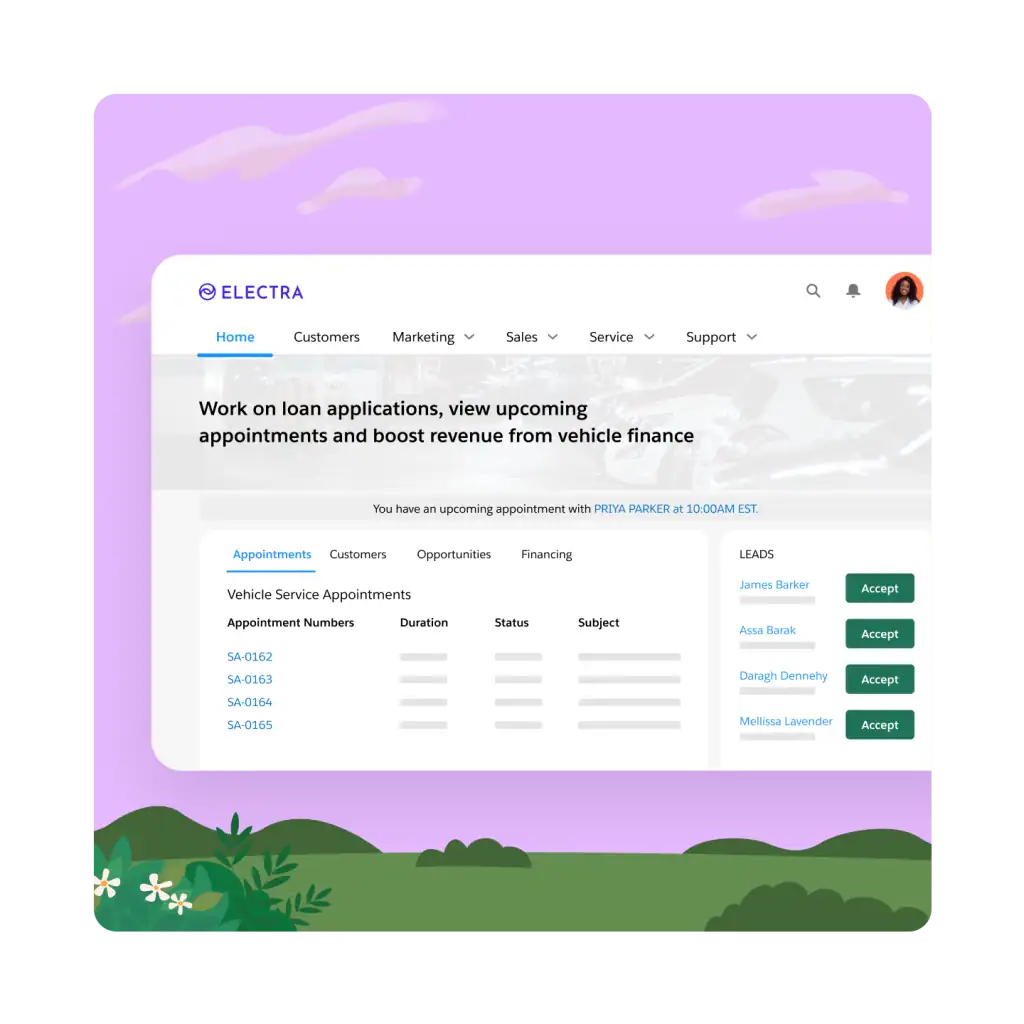
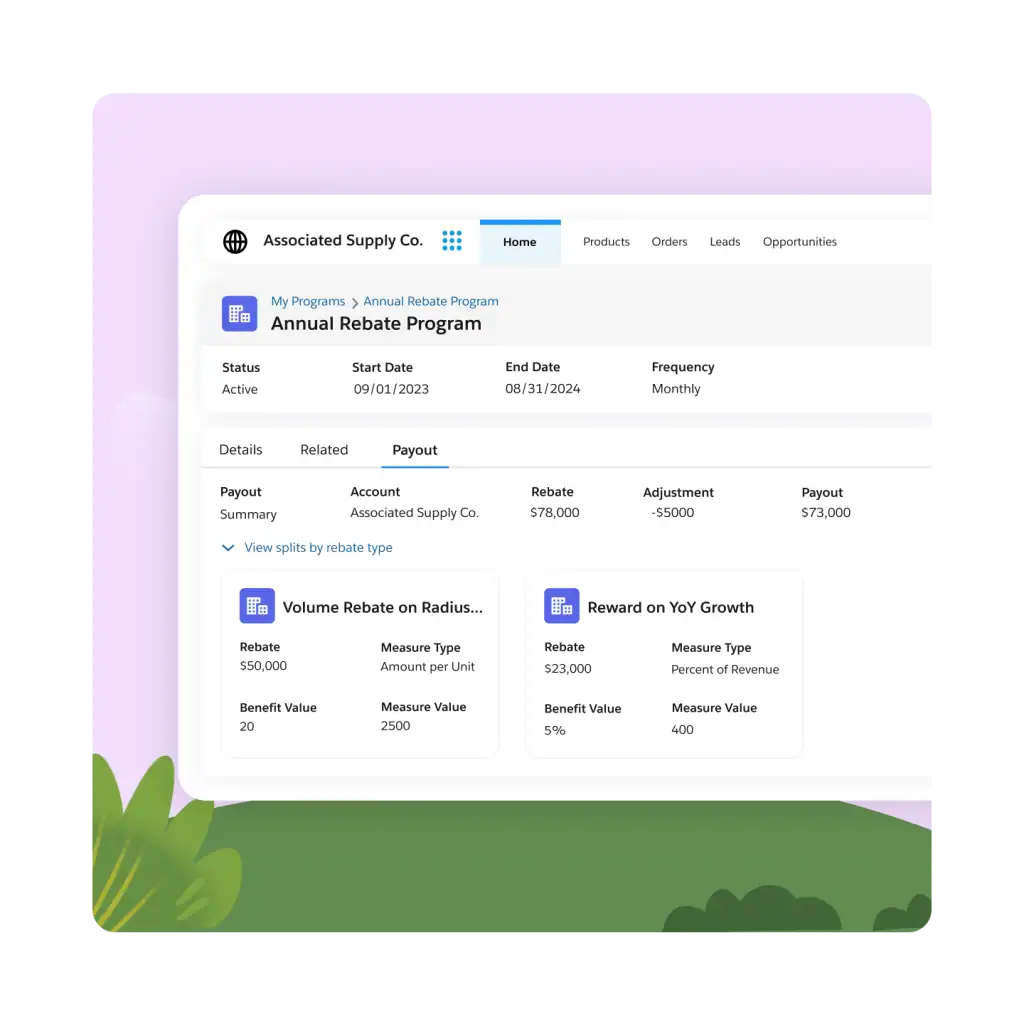
Experience Cloud for Automotive provides two kinds of portal. A partner portal, on Partner Community licences, lets an OEM share agreements, vehicles, forecasts and rebate programs with dealers, who manage leads, warranties and work orders there. A customer portal, on Customer Community Plus licences, lets drivers see vehicles, warranties, loans and leases and book service.
The licence choice matters more than it looks. Salesforce's portal licence guide is explicit about what each one can do:
| Capability | Partner Community (dealer portal) | Customer Community Plus (customer portal) |
|---|---|---|
| Who uses it | Dealers and other business partners | Drivers and business customers |
| Leads and opportunities | Yes, with partner lead management | No (no leads, opportunities, campaigns or quotes) |
| Person accounts | Not supported | Supported, alongside business accounts |
| Typical features | Warranty and claims, incentives and rebate claims, visits, inventory visibility | Vehicles and assets, warranty terms, milestones, loans and leases, service booking |
| List price (add-on) | $20 per login or $50 per member, per month | $15 per login or $35 per member, per month |
One security detail worth knowing: guest users on a public site can search Vehicle records but cannot see the VIN or registration number fields. Design any public inventory search with that in mind.
Product illustrations: Salesforce.
How Does Automotive Cloud Integrate With A DMS, ERP And Telematics?
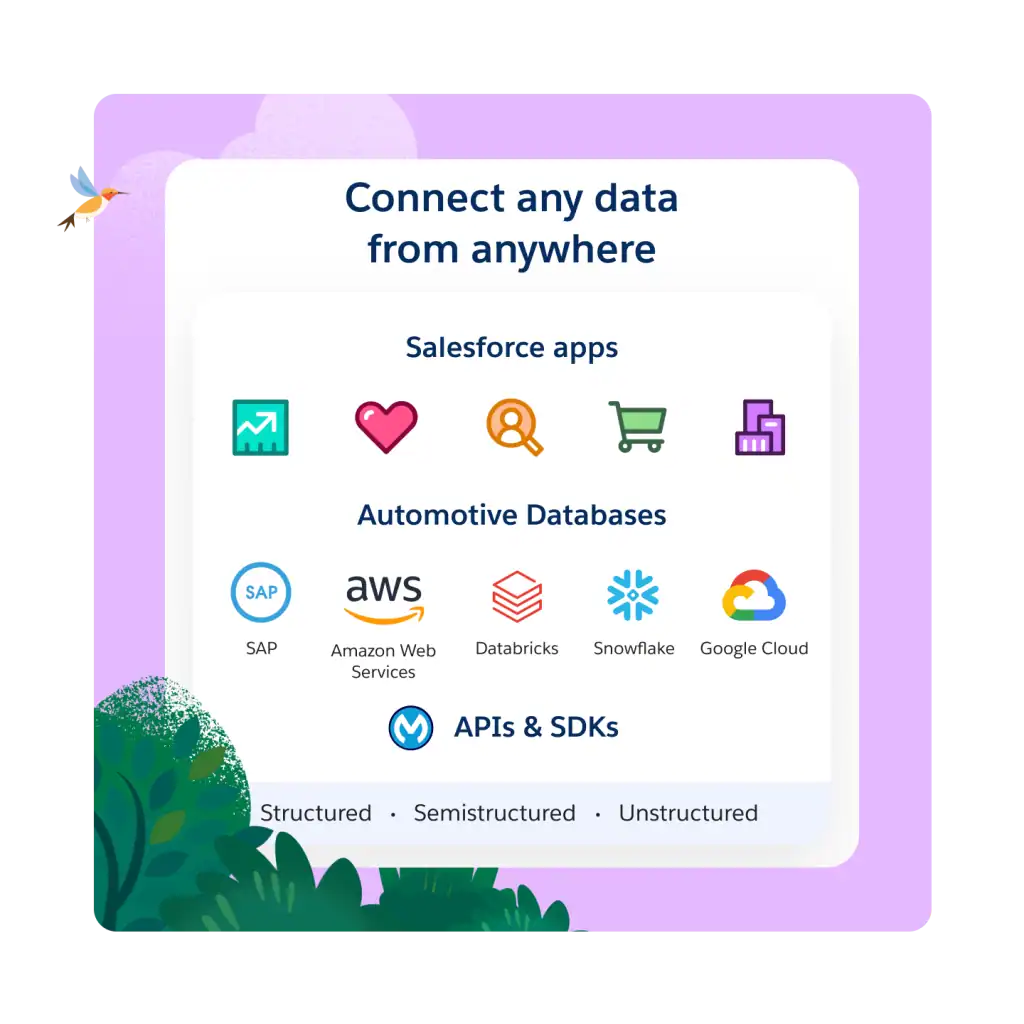
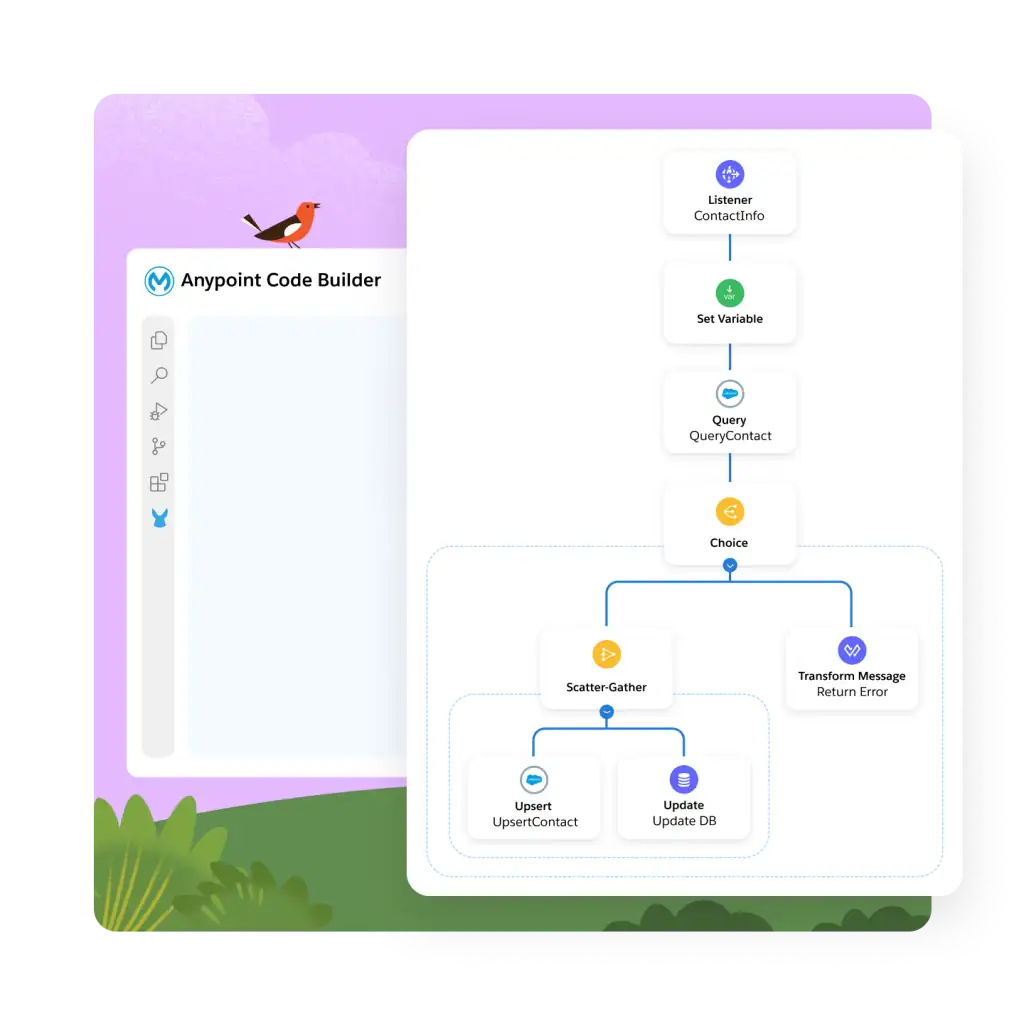
Automotive Cloud integrates through three routes: MuleSoft, whose automotive integration assets in MuleSoft Direct follow the STAR standard for customer, repair order, sales lead, vehicle inventory and vehicle specification data; Data 360 ingestion from DMS, telematics and captive finance systems; and the Automotive Cloud Business APIs, which are RESTful and follow Connect REST API conventions.
The Automotive Cloud Integrations API uses industry-specific APIs based on the STAR Standard. Setting it up means enabling MuleSoft Direct Integrations, connecting Salesforce and MuleSoft, and creating a connected app with OAuth 2.0 client credentials. In practice, an integration design for a dealer group or OEM usually answers four questions:
- Which system owns each record? The DMS typically owns deals, repair orders and parts; Automotive Cloud owns relationships, leads, appointments and partner collaboration; the ERP owns pricing, orders and finance.
- How fresh does each feed need to be? Inventory and appointments need near real time; sales history and analytics can usually load in batches.
- How are vehicles matched? The VIN is the natural key across DMS, telematics and the CRM, so make it mandatory and validated.
- Where does consent live? Marketing and telematics consent should be captured once and respected everywhere.
Product illustrations: Salesforce.
How Much Does Salesforce Automotive Cloud Cost?
Salesforce lists five Automotive Cloud editions, from $300 to $725 per user per month, billed annually on an annual contract. Core starts at $300, Advanced is $500, Service Max and Sales Max are $700 each, and Sales & Service Max is $725. Connected Vehicle, Agentforce for Automotive and portal licences are extra.
| Edition | List price (USD) | What it adds |
|---|---|---|
| Sales & Service Core | $300 per user per month | Automotive data models, Flex Credits for AI, Agentforce and data, Slack Business+, Tableau Next, Premier Success Plan |
| Sales & Service Advanced | $500 per user per month | Core plus Full Sandbox, Backup & Recover, Archive, Data Detect, Security Center, Help Agent, Customer Signals Intelligence, Sales Programs |
| Service Max | $700 per user per month | Advanced plus Agentforce for Industries, Contact Center Digital, Workforce Management, Quality Management |
| Sales Max | $700 per user per month | Advanced plus Agentforce for Industries, Contact Center Digital, Salesforce Maps Advanced, Salesforce Contracts |
| Sales & Service Max | $725 per user per month | The Service Max and Sales Max items together |
Common add-ons on the Automotive Cloud add-on list include Agentforce for Automotive Cloud at $150 per user per month, Connected Vehicle at $15,000 per org per month, Channel Revenue Management at $30,000 per org per year, and the Experience Cloud portal licences shown in the portals section. Salesforce also offers a 30-day free trial.
List prices from the Salesforce Automotive Cloud pricing page, captured 14 October 2026. Salesforce states that pricing is for information only and subject to change. Older figures that still circulate online ($325 to $750 under "Einstein 1" or "Agentforce 1" names) are out of date. Confirm current pricing and any discounts with Salesforce.
What Is New In Automotive Cloud In 2026?
Winter '27, the current release in October 2026, adds automotive agents in Agentforce Builder, a Sales Concierge Agent for websites, repossession management, a Warranty Claims Adjudication Assistant and single-click setup through Salesforce Go. Summer '26 and Spring '26 added finance, service and analytics processes and renamed the product Agentforce Automotive.
| Release | Highlights for automotive teams |
|---|---|
| Winter '27 (current) | Automotive agents built in Agentforce Builder; Sales Concierge Agent on websites and Experience Cloud sites (vehicle search, dealer locator, quotes, test drives, trade-in appraisals); repossession management in three stages; Warranty Claims Adjudication Assistant; single-click install of Connected Vehicle and auto finance service processes |
| Summer '26 | Goodwill Repair, lease extension and transaction dispute service processes; conversational warranty claim summaries on dealer portals; Automotive Insights on Tableau Next; CSV import templates with Data Processing Engine; AI-assisted KYC document checks |
| Spring '26 | Rename to Agentforce Automotive; Sales Assistance and Asset Service Management agents; Funding Workbench; recall inquiry service process; payment deferral intake; stage management on Appraisal, Fleet and Vehicle |
Source: Automotive Cloud release notes and the Winter '27 release highlights on Trailhead. Salesforce ships three releases a year, so review each one for features you can switch on instead of building.
How Do You Implement Salesforce Automotive Cloud?
Implement Automotive Cloud in phases: decide scope and system ownership, design the stakeholder and vehicle data model, configure licences, permissions and sharing, load clean vehicle and customer data, integrate the DMS and finance systems, then add portals, analytics and agents. Start with one high-value process, prove it, and expand by region or brand.
Salesforce's setup guide orders the configuration work from general settings through page layouts, Experience Cloud, Einstein, Data Cloud, additional features and automation to the prebuilt apps. A delivery plan wraps that in the business decisions around it:
Salesforce Go gives guided setup for automotive agents and features, and you can explore the prebuilt apps in an Automotive Cloud learning trial org before deploying them to a sandbox. Use both to show stakeholders the standard behaviour before you agree on any customisation.
What Are The Most Common Automotive Cloud Implementation Mistakes?
These are the design problems that come up again and again, whatever the size of the business.
How Twopir Consulting Helps With Automotive Cloud
We implement, rescue, optimize, and integrate complex CRM and revenue systems. Twopir Consulting has worked with 500+ clients over 12+ years, and our Salesforce Automotive Cloud services cover the work this guide describes:
- Implementation: configuring Automotive Cloud around your dealership, dealer group or OEM processes.
- Data migration and integration: moving data from legacy systems and connecting your DMS, ERP, connected-car and marketing platforms, using MuleSoft integration and Salesforce Data Cloud where they fit.
- Portals and AI: dealer and customer portals with Experience Cloud, and Agentforce agent development on top of clean data.
- Training, support and optimisation after go-live, so the platform grows with you.
For suppliers and manufacturers whose CRM needs centre on sales agreements, forecasting and channel partners rather than vehicles, our Salesforce Manufacturing Cloud practice is often the better starting point.
Plan Your Automotive Cloud Rollout With An Architect
On a 30-minute discovery call a Twopir Salesforce architect will review your DMS, finance and dealer landscape, tell you honestly whether Automotive Cloud fits, and outline the first phase worth building.
Schedule a Discovery CallThe Bottom Line
Salesforce Automotive Cloud earns its place when vehicles, people and money are connected across more than one business: an OEM and its dealers, a dealer group and its rooftops, a captive lender and its customers. Its value comes from the data model, not the screens, so the projects that succeed design households, vehicles and system ownership first and add portals, analytics and agents on that foundation.
- 1
Automotive Cloud, now Agentforce Automotive, is an industry cloud on Sales Cloud and Service Cloud for OEMs, dealers, captive finance and fleets.
- 2
Design the Vehicle Definition, Vehicle and Asset layers and the stakeholder model before anything else.
- 3
Run it alongside your DMS, with clear record ownership and VIN-based matching.
- 4
Budget for the edition ($300 to $725 per user per month at list price) plus add-ons such as Connected Vehicle, Agentforce and portal licences.
- 5
Start with one process, prove it, and adopt new release features each season instead of custom building.
Frequently Asked Questions
Salesforce Automotive Cloud is an industry cloud for automotive OEMs, retailers and dealers, and captive finance companies. Built on Sales Cloud and Service Cloud, it adds a vehicle-centric data model, consoles, scheduling, warranty, finance and partner portal features, so teams get one connected view of vehicles, customers and financial relationships.
Yes. Salesforce renamed Automotive Cloud to Agentforce Automotive in the Spring ’26 release. The data model, features and licences carried over, and Salesforce notes that the Automotive Cloud name still appears in the application and documentation.
Salesforce lists five editions, billed annually: Sales & Service Core at $300, Sales & Service Advanced at $500, Service Max and Sales Max at $700 each, and Sales & Service Max at $725, per user per month. Add-ons such as Connected Vehicle, Agentforce for Automotive and portal licences cost extra. Confirm current pricing with Salesforce.
Sales Cloud manages generic accounts, contacts and opportunities. Automotive Cloud runs on Sales Cloud and Service Cloud and adds standard objects for vehicles, vehicle definitions, households, ownership, loans and leases, warranties, claims and fleets, plus dealer portals, automotive dashboards and automotive AI agents.
No. A DMS stays the system of record for deals, parts, repair orders and accounting. Automotive Cloud is the engagement layer across OEM, dealer and finance teams, and Salesforce documents bringing DMS, telematics and captive finance data into it through Data 360 and MuleSoft.
Automotive Cloud is available in Enterprise, Unlimited and Developer Editions. Agentforce for Automotive agent templates also need the Agentforce for Automotive add-on for each user, or the Agentforce 1 Automotive Edition.
Start with one high-value process and map which system owns each record. Design the stakeholder and vehicle data model, configure licences, permissions and sharing, migrate clean vehicle and customer data, integrate the DMS and finance systems, then add portals, analytics and agents in later phases.
