
Listing Boards That Build Themselves —
Monday.com to HubSpot Integration Sync
A private company M&A marketplace was manually creating Monday.com boards for every new listing and assigning buyers by hand. Twopir automated the entire workflow in under two weeks — one board per listing, buyers synced automatically, status consistent across both systems.
validated & automated
discovery to go-live
required post-launch
after implementation
with custom API logic
- Active HubSpot account with company records and custom property access enabled
- Monday.com workspace with admin permissions for board creation via API
- Zapier account at a plan level that supports custom code steps and webhooks
- Defined listing lifecycle — clear Active/Inactive status logic in your source system
- Buyer data in HubSpot — contacts or companies that map to specific listing records
- Ops team sign-off on data structure before automation goes live to avoid rework
- How to gate automation using a HubSpot control field as the single eligibility trigger
- How to auto-create Monday.com boards per HubSpot company record via Zapier + API
- How to structure buyer–listing relationships with buyers as items inside listing-specific boards
- How to build bidirectional status sync between Monday.com and HubSpot without native connectors
- How to extend Zapier with custom code for operations unsupported by native Monday.com actions
- How to clean legacy board data and standardize records across both systems at go-live
A Private M&A Marketplace Growing Faster Than Its Operations Could Keep Up
By the time they engaged us, this client was running a growing book of private business listings across a dual-system setup — HubSpot managing the CRM layer, Monday.com handling operational execution. On paper, the architecture made sense. In practice, every new listing that hit Active status kicked off a manual scramble: someone had to log into Monday.com, build a new board from scratch, configure it for that listing company, then start assigning buyers one by one. With 25 listings already in flight and more in the pipeline, this wasn’t sustainable.
They’d made some attempt at automation via Zapier’s native Monday.com connector — but quickly ran into the ceiling. The native actions couldn’t handle board creation per company, conditional buyer logic, or the bidirectional status sync they needed. What they had was a patchwork of partial automations that still required manual intervention at every decision point. They came to Twopir because they needed someone who understood both platforms at the API level, not just the point-and-click layer.
Four Operational Gaps That Were Creating Daily Errors
The core issue wasn’t the choice of tools — HubSpot and Monday.com are a sensible pairing for a marketplace model. The issue was that neither system knew what was happening in the other. Every sync point was manual, every board was hand-built, and every buyer assignment was a judgment call made by someone who had to context-switch between two platforms to get a complete picture.
Manual Board Creation per Listing
Each time a company listing became Active, an ops team member had to manually create a dedicated Monday.com board — naming it, structuring it, and configuring columns for that specific listing. With 25 listings active at once, this represented hours of repetitive setup work per week, and the boards were inconsistent in structure because each one was built by hand.
No Structured Buyer-to-Listing Mapping
Buyers existed in HubSpot but had no systematic connection to specific listing boards in Monday.com. Assigning a buyer to a listing required manual lookup, manual entry, and no validation — meaning buyers were frequently created against inactive or wrong listings, creating noise and errors across both systems.
Listing Status Mismatches Across Systems
When a listing status changed in HubSpot, Monday.com didn’t know. When something changed in Monday.com, HubSpot was never updated. The result was two systems showing different states for the same listing — causing confusion in reporting, buyer communication, and internal deal tracking.
Native Zapier Connectors Couldn’t Cover the Gap
The team had attempted automation via Zapier’s standard Monday.com and HubSpot actions, but the native connector didn’t support board creation, conditional buyer logic, or webhook-based bidirectional sync. Every attempt to automate hit a wall, and the workarounds required more manual steps than the original process.
How We Structured the Monday.com–HubSpot Integration
We’ve built HubSpot integrations for clients across sectors — from operational SaaS teams like Platform9 to marketplace operations with complex buyer-seller dynamics. The pattern we see most often isn’t a technology problem — it’s an architecture problem. The tools are capable; what’s missing is a clear control layer that defines what triggers automation, what data moves where, and what conditions prevent bad data from propagating.
For this engagement, we established HubSpot as the source of truth for listing eligibility and Monday.com as the execution layer. That boundary — one system controls, one system acts — is what made everything else clean. We then implemented custom API logic inside Zapier to bridge the operations neither platform’s native connector could handle.
Discovery & Architecture Design
Before writing a single Zap, we mapped the full listing lifecycle — from initial company record creation in HubSpot through to listing closure. We documented every status state, every handoff point, and every place where the ops team was manually intervening. This wasn’t a two-hour discovery call; it was a structured audit of what the data looked like in both systems, what was consistent, and what was already broken.
The key decision made in this phase was choosing HubSpot as the eligibility control layer. Every subsequent automation — board creation, buyer sync, status updates — gates on the listing status field in HubSpot. If a listing isn’t Active in HubSpot, nothing moves. That single rule eliminates an entire category of sync errors.

HubSpot Configuration & List Setup
With the architecture defined, we turned to HubSpot. We created a filtered list view scoped to Active listing companies — the view that feeds every downstream automation. We also added and configured the company-level control field that acts as the eligibility gate. Critically, this field isn’t just a label; it’s the automation trigger. Any company that doesn’t meet the Active criteria is excluded from all Monday.com sync operations.
This phase also involved auditing the existing 25 listing records in HubSpot for data consistency. Several had missing fields, inconsistent naming, or stale status values. We cleaned and standardized those records before automation went live — because garbage data in means garbage boards out, and we’d rather fix the data once than chase sync errors indefinitely.
Monday.com Board Creation Automation
This was the core of the integration — automating what had previously required manual board creation for every new listing. The native Zapier Monday.com connector doesn’t support board creation as a triggered action, so we implemented this via custom code steps inside Zapier that call the Monday.com API directly. When a HubSpot company transitions to Active status, a Zap fires, executes the custom code step, and creates a structured board in Monday.com named and configured for that listing company.
Board structure is templated — every listing board is created with the same column layout, so the ops team can work across any listing without reorienting themselves. The board creation step also writes the Monday.com board ID back to the corresponding HubSpot company record, creating a persistent reference that all subsequent buyer sync operations use to route correctly.
Buyer Sync & Conditional Logic
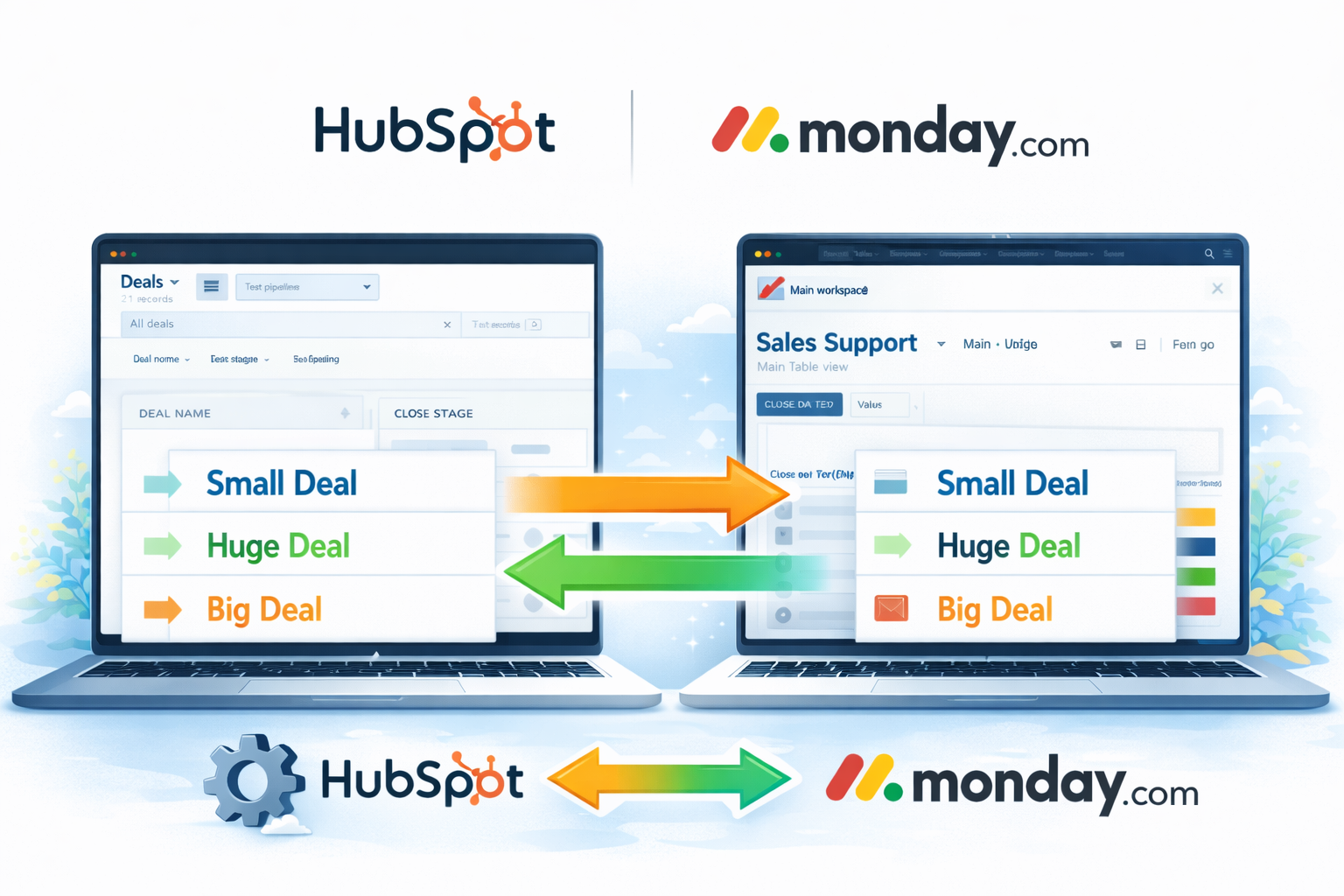
Buyer automation was the second major component — and the one with the most conditional complexity. Buyers in HubSpot needed to be created and updated as items inside their corresponding Monday.com listing board, but only when the listing was Active. We built Zaps that trigger on buyer record changes in HubSpot, look up the associated listing’s Monday.com board ID, validate Active status, and then create or update the buyer item in Monday.com. If the listing is inactive, the Zap exits cleanly without creating any orphaned records.
We also handled buyer updates — when a buyer’s status or key fields change in HubSpot, those changes propagate to the Monday.com item. This was implemented via webhook and API calls rather than native Zapier actions, which gave us the precision we needed: field-level mapping, conditional routing, and clean error handling when records don’t meet criteria.

Bidirectional Status Sync & Validation
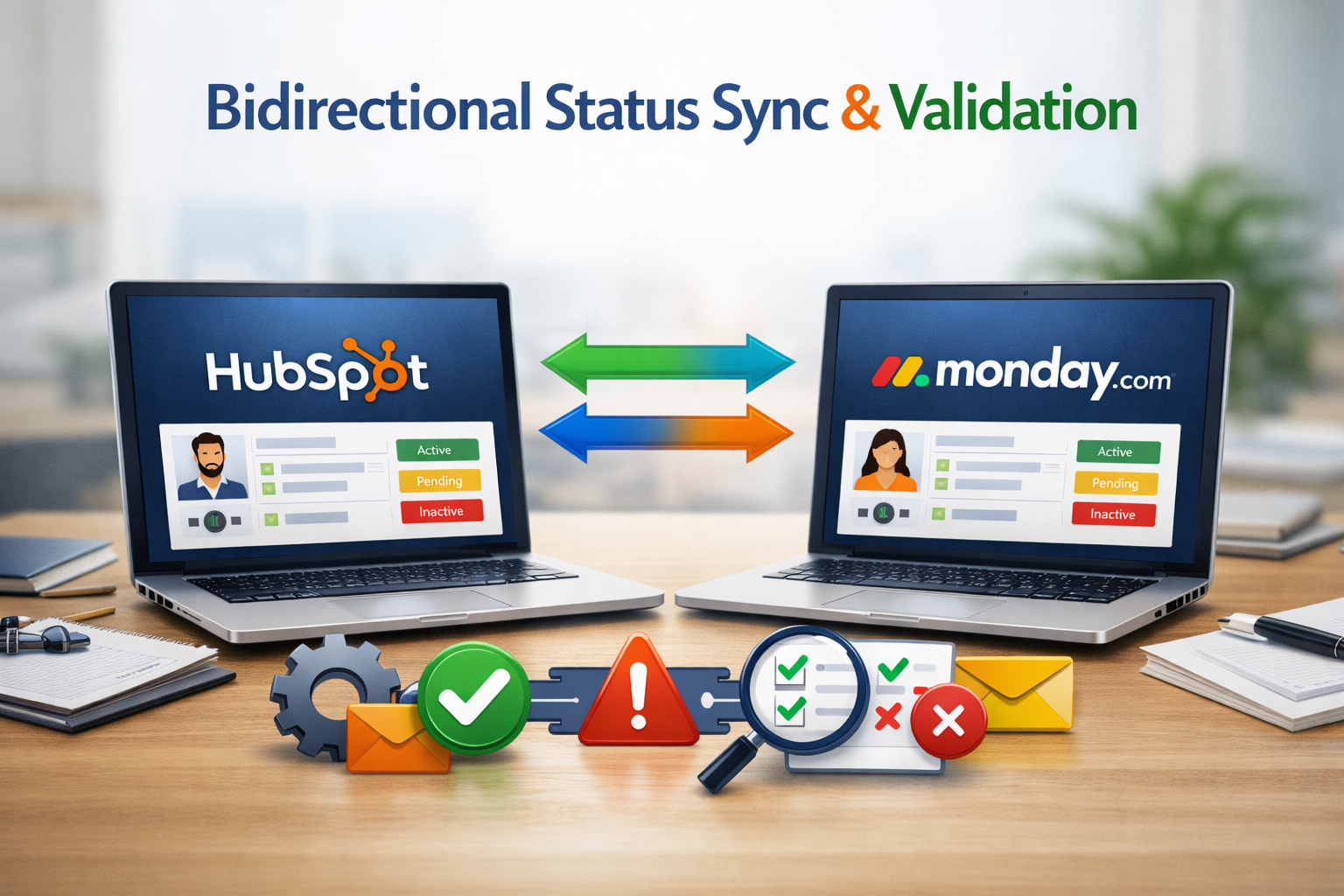
The final phase closed the loop — making sure that status changes in Monday.com flowed back to HubSpot, not just the other way around. When listing status changes in Monday.com (typically driven by deal activity or ops team updates), a webhook fires and updates the corresponding HubSpot company record. This bidirectional sync means both systems always reflect the same listing state, and reporting in either platform can be trusted without manual reconciliation.
We closed out the engagement by validating all 25 existing listing boards — verifying board structure, buyer mapping, and status alignment across both systems. Any records that had diverged during the pre-automation period were corrected. By go-live, every listing was in a known, consistent state in both HubSpot and Monday.com, with automation running reliably and the ops team free from manual sync work.
Is your HubSpot syncing with your ops tools — or just pretending to?
Most teams we speak to have attempted Monday.com or project-tool integrations through native connectors and hit the ceiling. We audit HubSpot integration stacks and identify exactly where the gaps are — and what it takes to close them. Findings in 5 business days.
What Changed — In Numbers and in Practice
The number that stuck with the ops team wasn’t on any dashboard — it was the first time a new listing went Active and a Monday.com board appeared without anyone touching it. That moment, when the system does what a person used to do, is when automation becomes real for a team. Everything after that is just measuring how much time they got back.
“The first time a new listing went Active and the Monday.com board just appeared — with the right structure, the right name, already ready for buyers — the ops team stopped asking if it was really working. That’s the moment the integration became real.”
— Twopir Project Lead · Private M&A Marketplace · 2024Monday.com HubSpot Integration — What Ops Teams Ask Us
Related Case Studies

Your HubSpot and Monday.com Should Talk to Each Other — Not Need a Middleman
We audit HubSpot integration stacks across US, UK, Australian, and UAE-based teams — and we tell you exactly what’s broken, what can be automated, and what it takes to fix it. No vague roadmaps. Specific findings in 5 business days.
Serving US · UK · Australia · UAE · Canada · US EST · UK GMT · AEST coverage · Response within 24 hours guaranteed
